




English

Time is a precious resource and should be used thoughtfully. That’s why the monthly time requirement averages only 20-30 minutes per employee, while up to 8 hours per month can be saved through improved teamwork. Each team independently decides how and how often they use Moodtalk.
Time commitment MoodTalk How much time does MoodTalk take? Time investment MoodTalk Workload MoodTalk Efficiency using MoodTalk Effort for teams

Moodtalk is a smart teamwork assistant that helps organizations improve collaboration. The Moodtalk process consists of four main steps:
Sensing
The teamwork assistant specifically asks employees how collaboration is currently working within the team and across teams and what solutions could improve it. Focus topics can be defined for the sensing process.
Informing
The teamwork assistant analyzes the responses from the checks and generates a dashboard with the results for each team. The assistant also helps analyze the results, sends early push notifications to team leads in case of significant changes, and presents various courses of action.
Talks
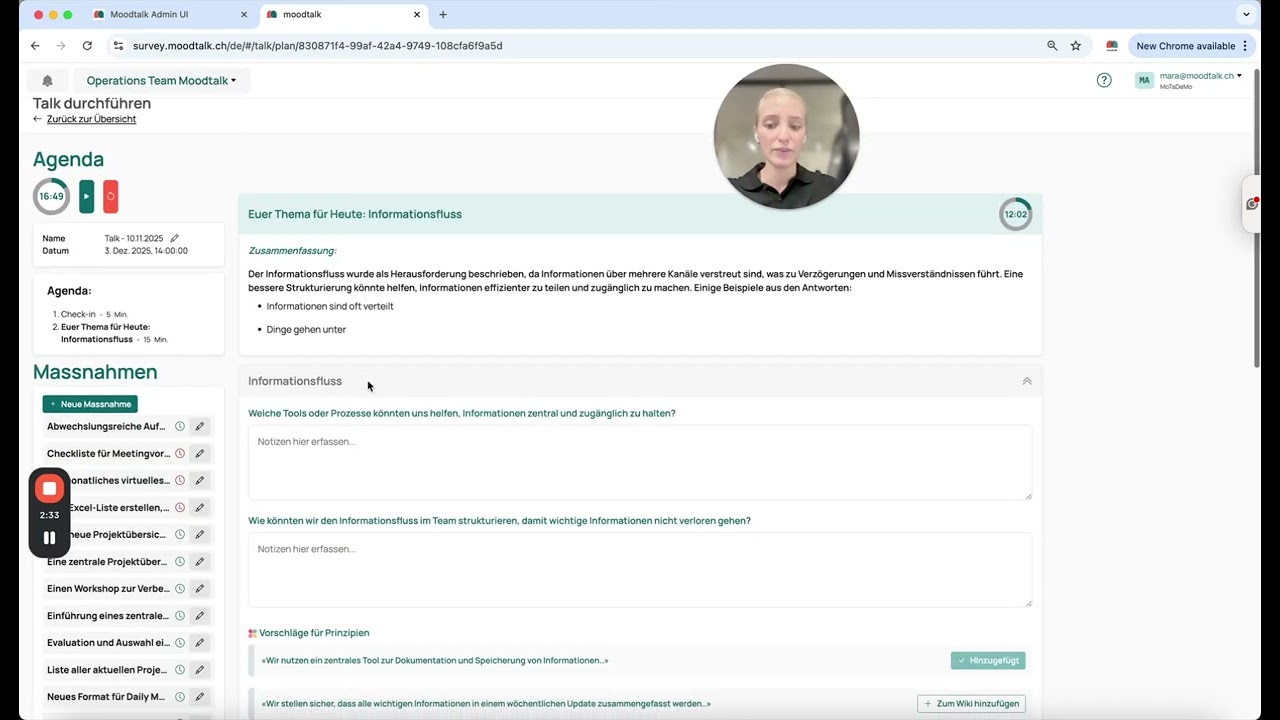
Teams can decide to discuss the sensing results and proposed solutions in "Talks," specific team meetings dedicated to this topic. The teamwork assistant prepares a structured discussion guide, which can be adapted by the talk moderator. In the talks, the team defines the principles and initiatives they will use to intentionally improve collaboration.
Wiki
The principles of collaboration are recorded in the Wiki so that everyone has clarity on how to collaborate optimally within the team and organization. This Wiki can be personalized by each team.
What is MoodTalk MoodTalk explanation MoodTalk function Use MoodTalk How does MoodTalk work MoodTalk introduction
MoodTalk helps teams collaborate better and continuously develop. The goal is to create stronger teamwork and greater satisfaction in everyday work through transparency, open communication, and clear principles. The process not only promotes the exchange of ideas for better teamwork but also ensures that these ideas are directly implemented into improvements.
Goal of MoodTalk MoodTalk purpose Why MoodTalk? Benefits of MoodTalk Improve teamwork Better collaboration
You can always contact support@moodtalk.ch if you have any further questions.
MoodTalk support Help with questions MoodTalk Contact MoodTalk MoodTalk customer service Who can I contact? MoodTalk point of contact
You will receive an email directly from Moodtalk in the next few weeks, allowing you to start using Moodtalk.
Next steps MoodTalk What happens next? MoodTalk process Further steps MoodTalk After the check: What happens? Team development MoodTalk
The servers hosting the Moodtalk platform are located in Switzerland, while our AI functions and CRM software are hosted within the European Economic Area (EEA). For more information, visit the Moodtalk Trust Center.
MoodTalk data storage Where does MoodTalk store data? Data security MoodTalk MoodTalk server location Data privacy MoodTalk Data hosting MoodTalk
Moodtalk is currently being used in over 60 organizations, such as CSS, Axpo, and the Swiss Army, to improve collaboration.
MoodTalk companies Who uses MoodTalk? MoodTalk experiences MoodTalk in organizations MoodTalk references MoodTalk user stories
Moodtalk adapts to your needs and the team’s situation, seamlessly integrating existing concepts with minimal effort. The Customer Success Team is happy to assist you in setting up Moodtalk optimally.
Customize MoodTalk Personalization options MoodTalk Adapt MoodTalk individually Flexibility MoodTalk Custom team setup MoodTalk Adjust MoodTalk settings
While surveys broadly ask everyone the same questions at the same time, Moodtalk's sensing process focuses on specific topics that can be directly addressed within teams afterward. This means that teams and employees may receive different questions to accurately assess the situation and develop potential solutions. While surveys focus on problems and challenges, Moodtalk's goal is to define and implement solutions directly.
MoodTalk vs. survey Difference between MoodTalk and a survey MoodTalk or traditional survey Alternative to employee surveys Feedback system MoodTalk Continuous team feedback
Moodtalk can address a wide range of topics – from workplace atmosphere and team dynamics to process optimizations and specific project or goal challenges. Personal wishes, concerns, or improvement suggestions also have their place. The goal is to focus on the topics that currently matter to the team and help them move forward.
Themen in MoodTalk Welche Themen behandelt MoodTalk? Fokusbereiche MoodTalk Teamarbeit Themen MoodTalk Gesprächsinhalte MoodTalk Zusammenarbeit verbessern
You can always contact us at support@moodtalk.ch or reach out directly to your contact person.
Contact MoodTalk support Help with MoodTalk issues Technical support MoodTalk MoodTalk not working Who can I contact? MoodTalk customer service Onboarding

Yes, we are happy to connect you with our coaches/trainers. After an initial conversation to discuss the team situation, the next steps will be planned (e.g., a team workshop or development of a team roadmap) that suit your team. You can always contact us at support@moodtalk.ch or reach out directly to your contact person so we can facilitate the referral.
External coaches MoodTalk Trainers and facilitators MoodTalk Coaching support MoodTalk External guidance for teams Consulting and training MoodTalk External moderation MoodTalk Onboarding
We are happy to share a report with you containing key information about the use of Moodtalk, which you can directly include in your sustainability report under the "Social Sustainability" section.
Use MoodTalk insights Export MoodTalk data Reporting with MoodTalk Sustainability report MoodTalk Use team insights Analyze team communication Create report MoodTalk Onboarding
The organizational dashboard provides a comprehensive overview of all teams and their activities within your area. Here are the key functions and content at a glance:
If you would like more information about the dashboard, feel free to contact us at support@moodtalk.ch or reach out directly to your contact person.
Organization dashboard MoodTalk MoodTalk dashboard overview View team insights Analytics in MoodTalk Organization results MoodTalk Data analysis teamwork Onboarding
If changes are needed regarding access to the organizational dashboard, such as adding or removing people, you can always contact us at support@moodtalk.ch or reach out directly to your contact person.
Manage access rights MoodTalk Dashboard permissions MoodTalk Change user rights MoodTalk Who has access to the dashboard? Roles and permissions MoodTalk Manage administrators MoodTalk Onboarding
At the team level, all employees assigned to the respective team have the same access rights and can perform the same actions. No distinction is made regarding permissions here.
In the organizational view, however, all information and content are only accessible to certain key individuals. These are defined in advance and added accordingly.
Additionally, department heads can be set up to only see and access their own area in the organizational view.
If changes are required, such as adding or removing people, feel free to contact us anytime at support@moodtalk.ch or reach out directly to your contact person.
Access rights MoodTalk Roles and permissions MoodTalk Who has which rights? Manage user permissions MoodTalk Team roles MoodTalk Administrators and moderators MoodTalk Onboarding
To see which teams are already using Moodtalk and which members belong to them, navigate to the overview section in the organization area. There, you will get a clear representation of all teams, including their team leaders. By clicking on a team, you can:
Additionally, the team's participation rate will be displayed. Further details can also be viewed and edited by clicking on the team if needed.
View teams in MoodTalk Which teams use MoodTalk? MoodTalk team overview Active teams in MoodTalk Check team usage MoodTalk Overview of teams MoodTalk Onboarding
You can find our privacy policy, as well as additional information on how we handle security and privacy, in our Trust Center. Here, we provide all relevant details transparently and clearly. Visit our Trust Center to learn more.
MoodTalk privacy policy Where can I find the privacy statement? MoodTalk data protection policy Data guidelines MoodTalk Privacy and security MoodTalk MoodTalk terms of use Onboarding
You can discuss this directly with your Moodtalk contact person. We are happy to share best practices and templates with you.
Announce MoodTalk introduction Inform the team about MoodTalk MoodTalk communication Involve employees in MoodTalk Explain MoodTalk onboarding Announce MoodTalk usage Onboarding
On the organizational dashboard, you have the ability to manage all teams, team leads, and employees yourself and make adjustments when needed. If you'd like to know exactly how this works, you can find more information in this video.
Add new teams MoodTalk Assign team leads MoodTalk Team management MoodTalk Add administrators MoodTalk Manage teams MoodTalk Roles and permissions MoodTalk Onboarding
The teamwork assistant can incorporate existing information from past surveys or your HR dashboard as a basis for the sensing process. You can share this information directly with your contact person at Moodtalk, and we will prepare it appropriately for the teamwork assistant.
Add existing data MoodTalk Import survey results MoodTalk External data MoodTalk Integrate information MoodTalk Data from surveys MoodTalk Include external surveys Sensing
The teamwork check is unique because it is centrally planned by the organization. It is sent to all participating teams and employees across the company. What makes it special is that it not only looks at the collaboration within teams but also examines and captures the collaboration between and with other teams. If you'd like to learn more about it, feel free to watch the video.
Teamwork check MoodTalk Organization-wide check MoodTalk Evaluate collaboration MoodTalk Team analysis MoodTalk Organization survey MoodTalk Teamwork evaluation MoodTalk Sensing
You can edit the answers you provided in the last check at any time. This video explains exactly how it works.
Edit answers MoodTalk Change check responses Correct entries MoodTalk Edit after submission MoodTalk Refill check Moderator manage answers Sensing
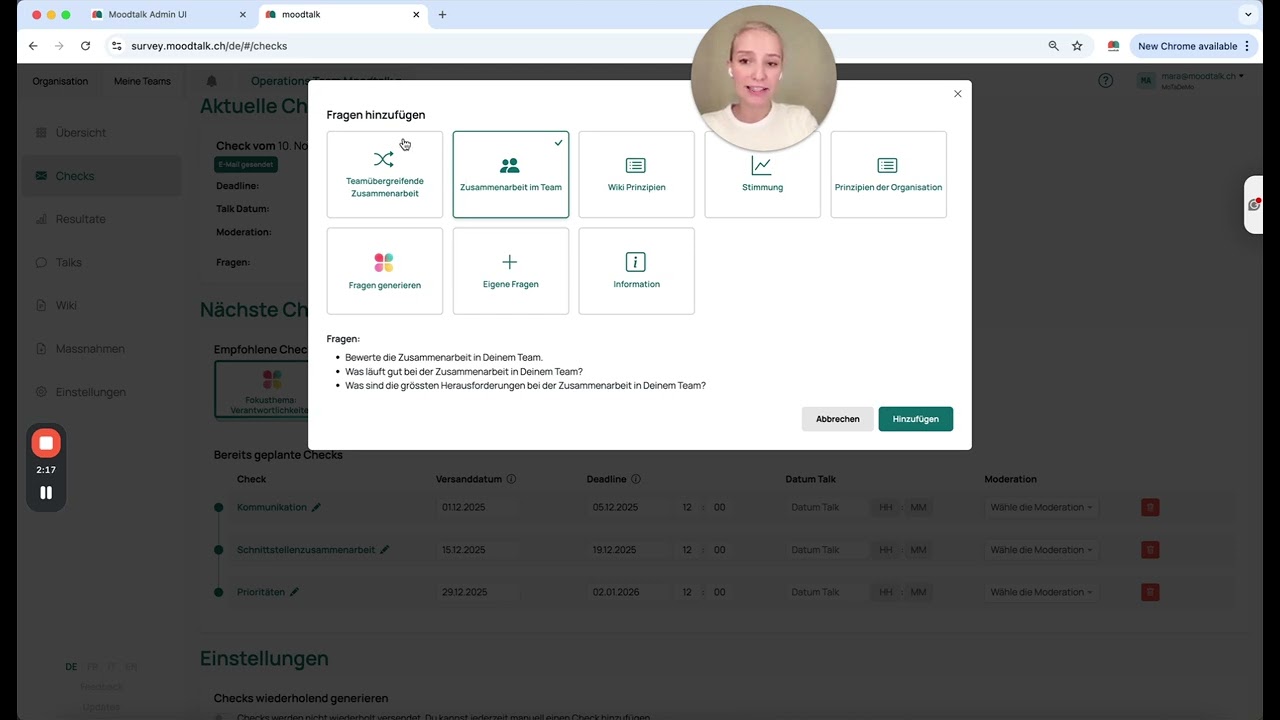
To ensure the checks are tailored to your current situation, you can select the type of survey here and customize the questions for your team. This way, the topics and questions remain relevant to you.
Custom questions MoodTalk Create check MoodTalk Custom survey MoodTalk Modify questions MoodTalk Configure sensing process Personalized checks MoodTalk Sensing
When a check is sent out can be determined by your team. We recommend about 10 days before the next Talk. Ideally, you discuss during the Talk when the next Talk should take place and set a suitable sending date.
Check timing MoodTalk Check scheduling MoodTalk Next check date Schedule checks automatically Set check frequency Moderator check management Sensing
How do I set up a check with specific questions for the sensing process?
Create check MoodTalk Specific questions MoodTalk Set up sensing process Custom questions MoodTalk Configure team check Create custom survey MoodTalk Sensing
You can edit your answers to the teamwork assistant at any time. How this works is explained in this video.
Edit Teamwork Assistant answers Change entries MoodTalk Refill Teamwork Assistant Edit after submission MoodTalk Correct responses MoodTalk Moderator manage answers Sensing
If you want to track how the team has developed over the past year and what information has been provided over time, you can easily switch to the annual view with a single click.
Show yearly view MoodTalk Change time period MoodTalk Yearly view MoodTalk dashboard Long-term data MoodTalk Annual overview MoodTalk Display data over the year Informing
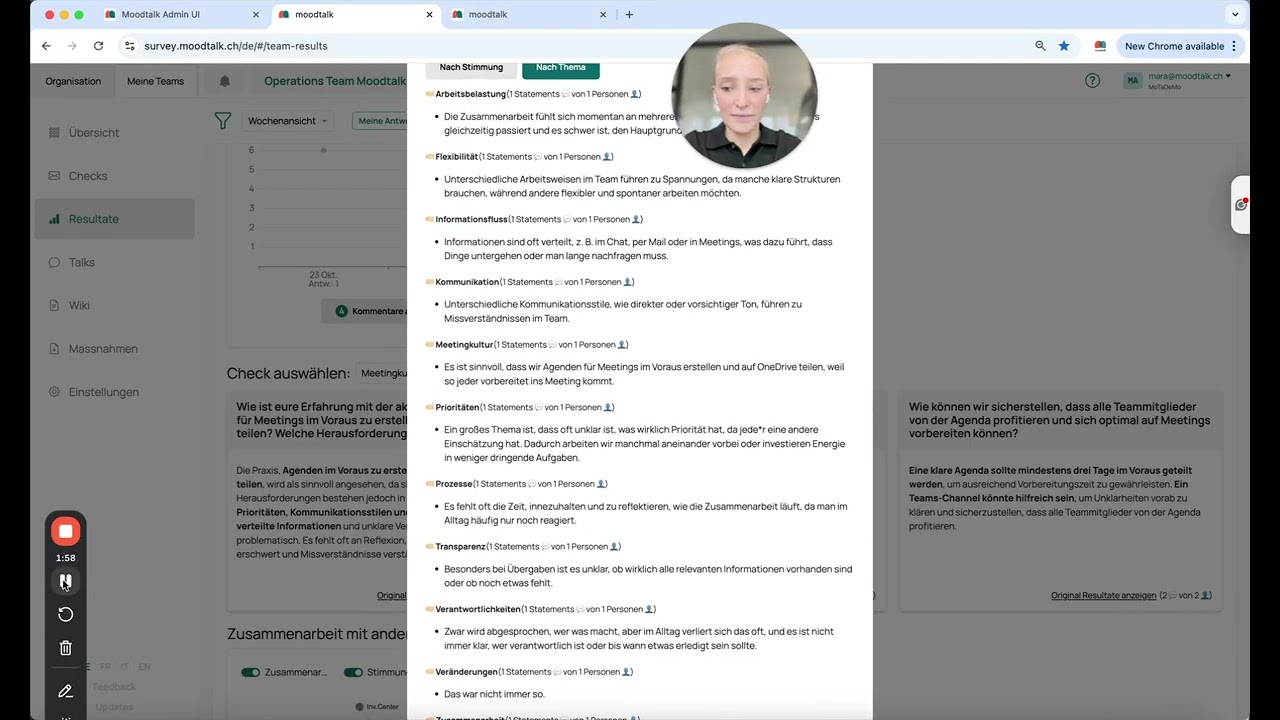
The dashboard displays all results clearly and in an organized way. If you want to learn how to interpret the different pieces of information, feel free to watch the related video.
Analyze dashboard data MoodTalk Interpret MoodTalk results Understand team insights Evaluate data MoodTalk Analytics MoodTalk dashboard Analyze team performance Informing
In the team dashboard, you can find the aggregated results of your team and get insights into the current state of collaboration and possible actions to take. Watch the explanation video here:
View team results MoodTalk Where can I find the results? Team results MoodTalk Dashboard MoodTalk Team insights MoodTalk Analyze team performance Informing
You can find many tips and tricks for structuring effective meetings in our moderation handbook, and you can also ask questions directly in one of our live training sessions.
MoodTalk moderation tips Tricks for moderators MoodTalk Best practices MoodTalk moderation Improve meeting facilitation Guide for MoodTalk moderation Support for moderators Talks
Create an agenda in Moodtalk that is visible to everyone, and plan fixed time slots for each topic. If topics arise that are outside the focus, note them in the Talk notes but let the person know that it is not the topic for today's Talk. However, you can mention that it can be considered for planning future Talk topics.
Set a framework MoodTalk Create discussion structure Define guidelines MoodTalk Structure meetings Set rules for discussions MoodTalk Provide a framework for collaboration Talks
Different perspectives enrich the conversation. If only a few people speak, important knowledge is lost, and the mood can shift. Through the checks, everyone can share their opinions in a safe environment beforehand. If there is no answer to one of your questions during the discussion, it's okay if there's a brief silence in the Talk. If no one speaks up, you can either paraphrase the answers from the check or ask someone in the group for their thoughts.
Involve participants MoodTalk Actively engage team members Encourage participation in MoodTalk Involve employees MoodTalk Interactive meetings MoodTalk Improve collaboration Talks
Conflicts are normal but can disrupt collaboration. Early intervention helps maintain a constructive atmosphere. Pay attention to the mood barometer and comments in Moodtalk as early indicators. If conflicts arise during Talks, step in as a moderator and remind everyone of respectful principles. Let the participants speak their mind first, then ask how they feel. A brief emotional check-in ("How do you feel right now on a scale of 1 to 5?") creates space for de-escalation.
Resolve conflicts MoodTalk Handling conflicts in the team Moderate team conflicts Communication in conflicts Resolve disputes in the team Conflict management MoodTalk Talks
Open-ended questions encourage exchange and provide insight into the group's opinions, feelings, and ideas. Therefore, prefer open-ended questions over yes/no questions ("How would you solve this problem?"). Use the checks in Moodtalk to gather opinions and ideas before the Talks, which can then be explored in more depth during the discussions. Tools like ChatGPT can also offer inspiration for good questions.
Ask the right questions MoodTalk Effective questions MoodTalk Formulate questions MoodTalk Good questions for the sensing process Survey questions MoodTalk Create discussion guide Talks
In Moodtalk, you not only moderate the content exchange but also manage the emotional dynamics within the group. Your role is to structure the conversations and ensure that the discussion stays within the agreed-upon framework and doesn’t stray off-topic. As a moderator, you take on a neutral role.
Role as a moderator in MoodTalk MoodTalk moderator responsibilities What does a moderator do in MoodTalk? Facilitate team discussions Moderator responsibilities MoodTalk Lead meetings MoodTalk Talks
The moderator role can be transferred to another team member or switched per Talk. If you like, you can rotate the moderator role within the team, allowing everyone the opportunity to moderate a Mood Talk. To ensure everyone feels well-prepared, it’s optional for anyone to take the Mood Talk moderator training to lead the Talk confidently and competently.
Transfer moderation role MoodTalk Change moderator MoodTalk Assign team member as moderator Change role MoodTalk Team administration MoodTalk Assign moderator MoodTalk Talks
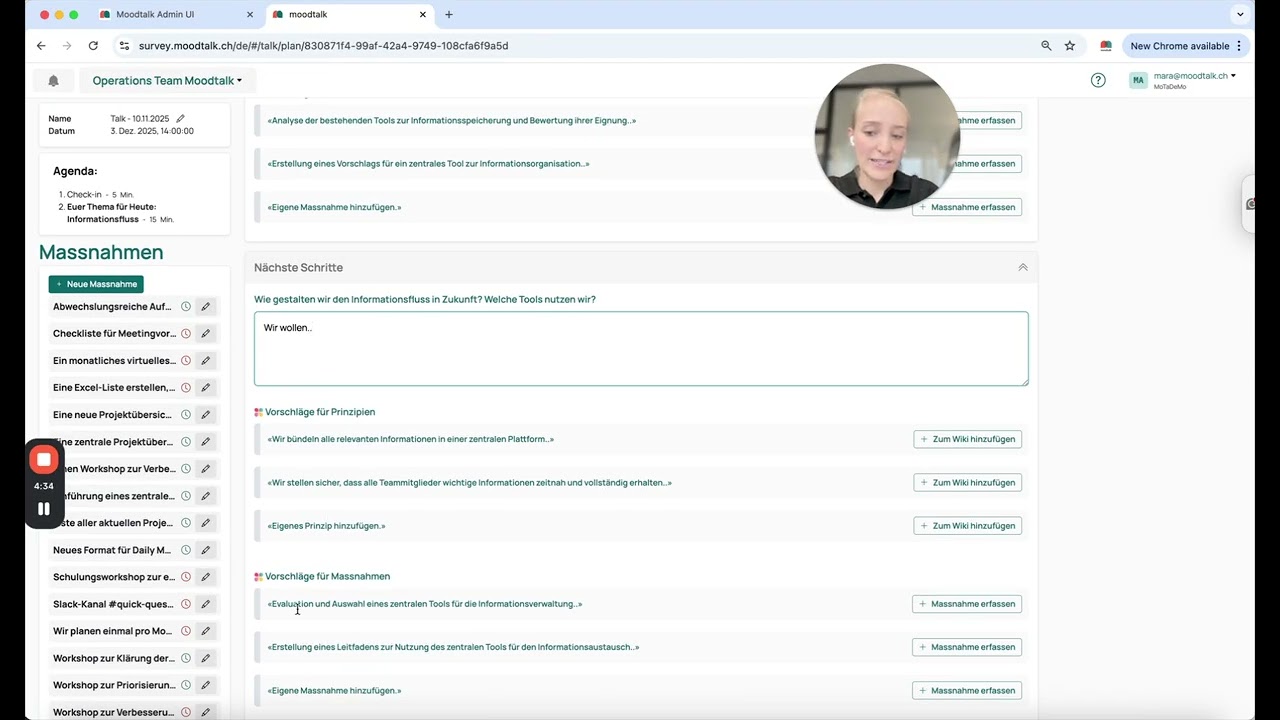
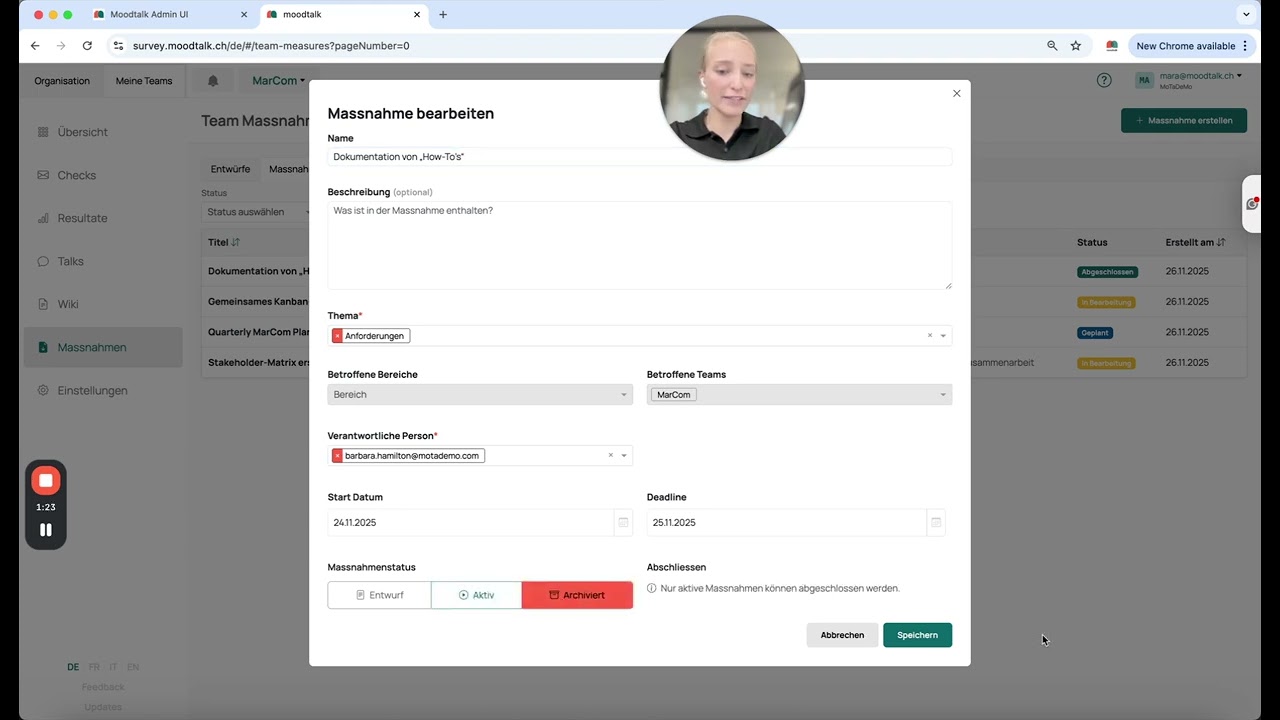
The difference between a principle and a task is that a task must be performed by someone. If tasks are identified during your Talk that need to be completed to improve collaboration, you can add them directly on our platform and assign them to a person.
Create tasks MoodTalk Add tasks during Talk Action items MoodTalk Task management MoodTalk To-dos in meetings MoodTalk Manage tasks in Talks Talks
Thorough preparation is key to feeling confident as a moderator and ensuring a successful Talk. Our teamwork assistant helps you by creating a personalized Talk guide. This includes a structured agenda and relevant content based on your responses, as well as best practices from our database – tailored to your current situation. The most important topics are prioritized, allowing you to focus on what is most relevant right now. Don’t worry: all other responses and content are not lost. They will automatically be considered when they are relevant for a future topic.
Prepare Talk MoodTalk MoodTalk meeting planning Organize team discussion Moderator Talk preparation Structured meetings MoodTalk Effective team discussions Talks
The Talks are led by a moderator. However, for a productive discussion to take place, in which joint solutions can also be developed, the entire team is required to participate. Therefore, there are some ground rules for the Talks, and you can add your own as needed.
Ground Rules for the Talks:
MoodTalk Talks explanation What happens in the Talks? Team discussions MoodTalk Prepare Talks Meetings in MoodTalk Improve team communication Talks
The Wiki is the central place where you can view the principles of collaboration for your team. Here, you’ll find an overview of all the measures/principles your team has defined. These describe how you want to collaborate and the specific steps you've established to achieve this. This gives you a clear overview of how your team operates and the rules you collectively follow.
Mitarbeiter hinzufügen Team erstellen Wiki
The Wiki is the central place where you can view the principles of collaboration for your team and organization. Here, you’ll find an overview of all the measures/principles your team has defined. These describe how you want to work together and what specific steps you’ve established to achieve this. This provides a clear overview of how your team operates and the rules you collectively follow. Here's an explanation video on how the Wiki works:
MoodTalk Wiki What is the Wiki? Wiki explanation MoodTalk Document collaboration Store team principles Teamwork rules Wiki